// implementation & details
A Burmese natural language programming language for beginners.
Write code in Myanmar script — MyanCode understands it, transpiles it to JavaScript, and runs it.


Documentation → https://docs.myancode.xyz/
Live IDE → https://myancode.xyz/
npm → npm install -g myancode
What is MyanCode?
MyanCode is a multi-paradigm programming language written entirely in the Burmese (Myanmar) language. It targets university students in Myanmar who are learning programming for the first time and face a double burden — learning to think computationally and reading a foreign language at the same time.
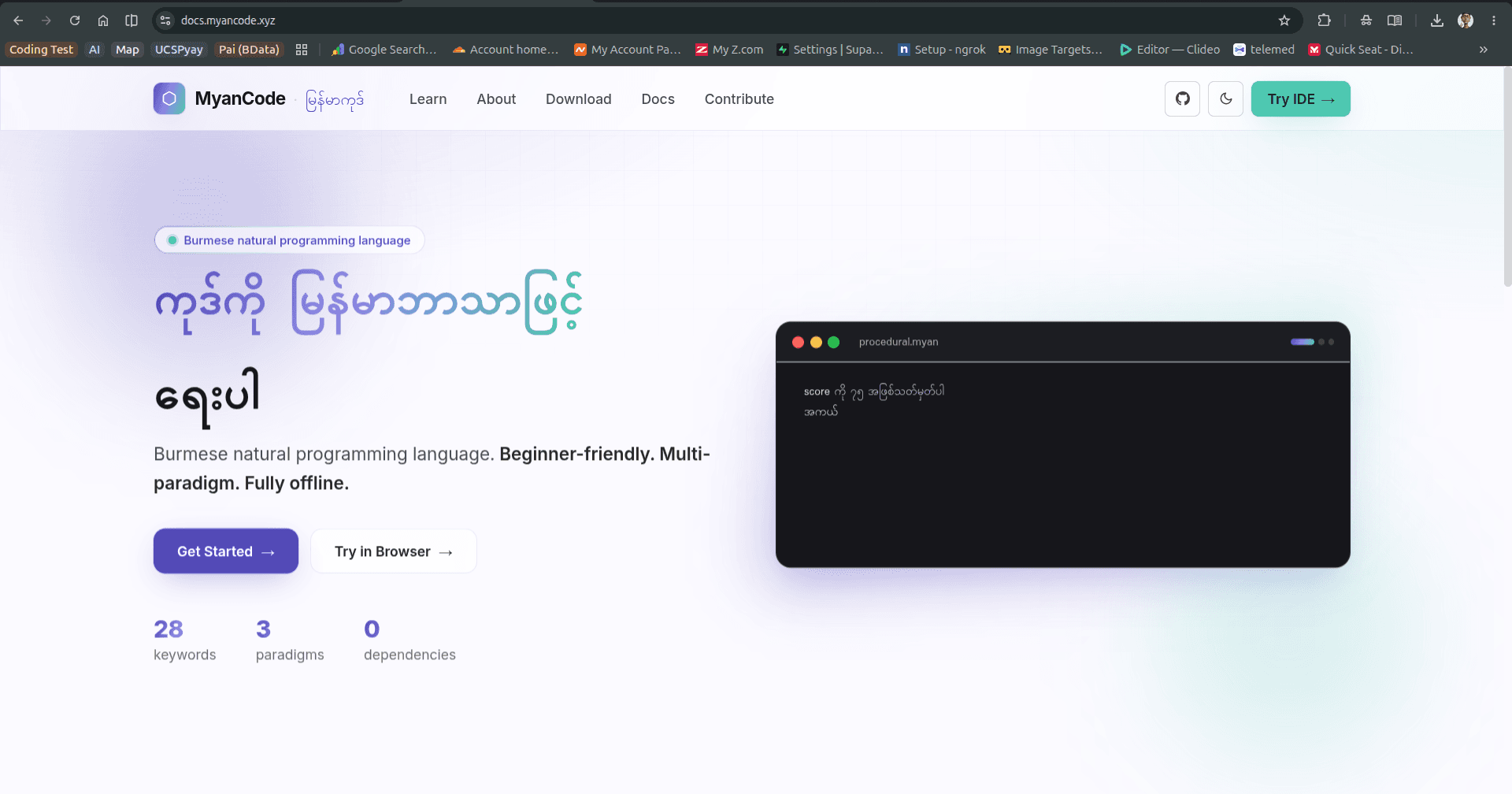
With MyanCode, students write code like this:
score ကို ၇၅ အဖြစ်သတ်မှတ်ပါ
အကယ်၍ score က ၈၀ ထက်ကြီးရင်
  ပြောပါ "ဂုဏ်ထူး"
မဟုတ်ရင်
  ပြောပါ "ပျမ်းမျှ"
ပြီးပါပြီ
Which runs as:
ပျမ်းမျှ
Features
- Burmese-native syntax — all keywords are natural Burmese words, not transliterations
- Myanmar digit support — write
၅or5, both work identically - Multi-paradigm — procedural, functional (functions as values), and object-oriented (objects with properties and methods)
- VS Code-style browser IDE — syntax highlighting, file explorer, tabs, output console, JS view
- Friendly Burmese error messages — no raw English stack traces for beginners
- CLI compiler — run
.myanfiles directly from the terminal likenodeorpython - Fully offline — no AI, no cloud API, pure rule-based NLP engine
How It Works
MyanCode uses a 6-stage NLP pipeline:
[Burmese source .myan]
        ↓
[1] Tokenizer       — splits text into typed tokens (lexical analysis)
        ↓
[2] Classifier      — identifies the intent of each line (text classification)
        ↓
[3] Extractor       — pulls out variable names, values, operators (NER)
        ↓
[4] AST Builder     — assembles lines into a nested syntax tree (syntactic parsing)
        ↓
[5] Transpiler      — converts the tree to JavaScript (language generation)
        ↓
[6] Runtime         — executes via Node.js child process, captures output
Installation
Requires Node.js v18+.
npm install -g myancode
Usage
Run a .myan file
myancode program.myan
Open the browser IDE
myancode --ide
Or visit myan-code.vercel.app directly.
Help
myancode --help
Run locally from source
git clone https://github.com/Kaung-Myat/Myan-Code.git
cd myancode
npm install
npm start
Then open http://localhost:3000 in your browser.