// implementation & details
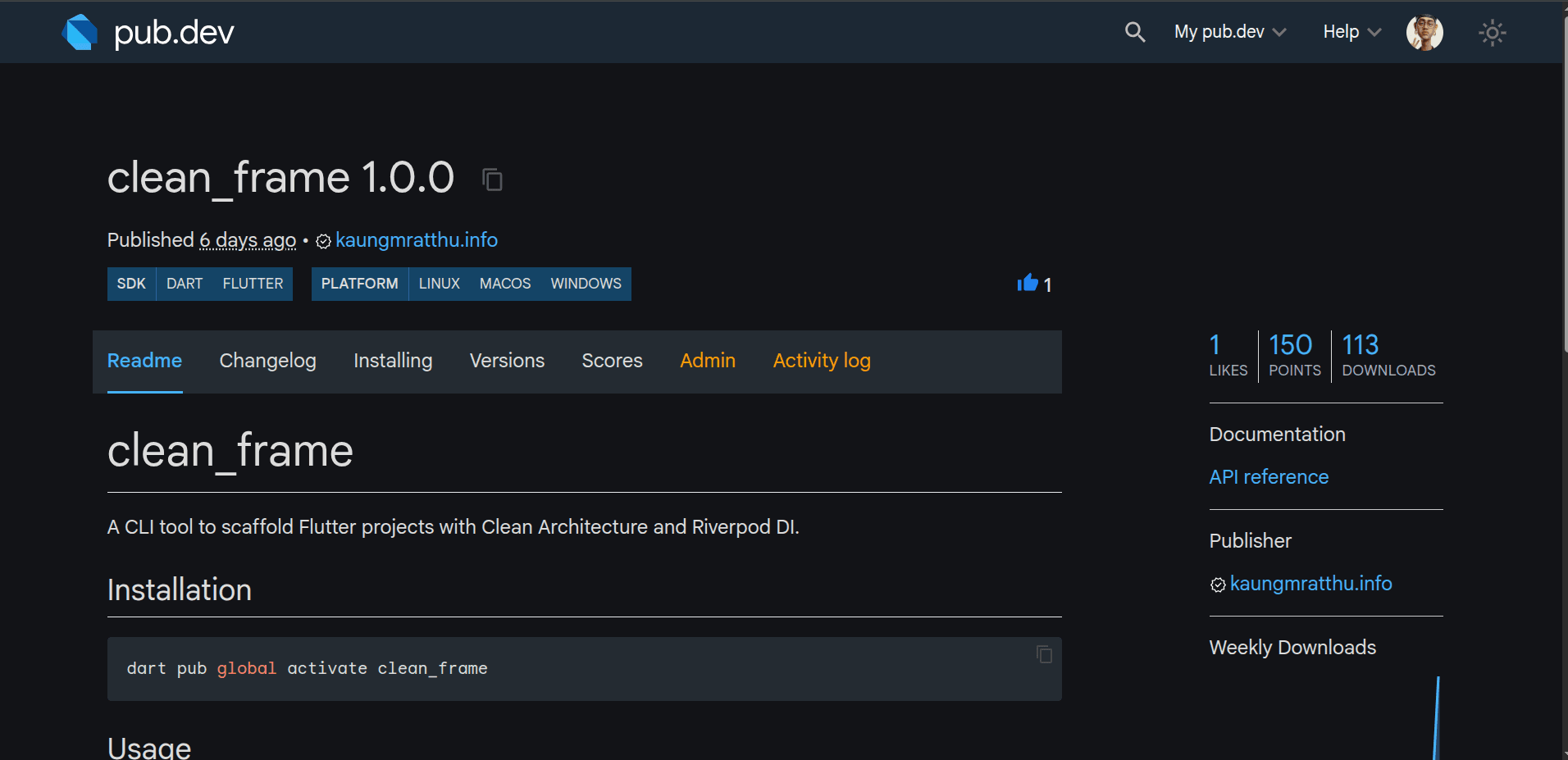
A CLI tool to scaffold Flutter projects with Clean Architecture and Riverpod DI.
Template
clean-architecture-starter-kit
Getting started
| Flag | Description |
| ----------------- | ------------------------------------------ |
| -n, --name | App name in snake_case (required) |
| -o, --org | Organisation prefix (default: com.example) |
| -v, --version | Template version/branch (default: latest) |
| -l, --list | List available template versions |
| -h, --help | Show help |
Install the CLI globally:
dart pub global activate clean_frame
Create a new project:
clean_frame -n my_app
With a custom organisation prefix:
clean_frame -n my_app -o com.yourcompany
With a specific template version:
clean_frame -n my_app -v v1.0.0
List all available template versions:
clean_frame -l
Do not clone this repository directly. The app name throughout the project is the internal placeholder
clean_frame_starter. The CLI replaces it with your chosen name automatically.
Project structure
lib/
├── core/
│   ├── constants/          # App-wide constants
│   ├── errors/             # Failure and exception classes
│   ├── network/            # Dio client setup and interceptors
│   ├── router/             # GoRouter configuration
│   ├── storage/            # SharedPreferences and SecureStorage helpers
│   ├── theme/              # ThemeData, colours, text styles
│   └── utils/              # Logger and shared utilities
│
├── features/
│   └── feature_name/
│       ├── data/
│       │   ├── datasources/    # Remote and local data sources
│       │   ├── models/         # Freezed JSON models
│       │   └── repositories/   # Repository implementations
│       ├── domain/
│       │   ├── entities/       # Pure Dart entity classes
│       │   ├── repositories/   # Repository abstractions
│       │   └── usecases/       # Single-responsibility use cases
│       └── presentation/
│           ├── providers/      # Riverpod providers (code-generated)
│           ├── screens/        # Screen widgets
│           └── widgets/        # Feature-scoped reusable widgets
│
└── main.dart
Architecture
The project follows the three-layer Clean Architecture pattern.
Data layer
Responsible for all data operations. Contains Dio-powered remote data sources, local storage access via SharedPreferences and FlutterSecureStorage, and Freezed-generated JSON models. Repository implementations live here and convert raw data into domain entities.
Domain layer
The business logic core — no Flutter dependencies. Contains pure Dart entity classes, repository abstractions (interfaces), and use cases that each do exactly one thing. This layer is the most stable and the easiest to unit test.
Presentation layer
Everything the user sees and interacts with. Screens and widgets consume Riverpod providers which call use cases and expose UI state. Providers are generated with riverpod_generator and build_runner.
Pre-installed packages
State management and DI
| Package | Version | Purpose |
| --------------------- | ------- | ----------------------------------------- |
| flutter_riverpod | ^3.3.1 | State management and dependency injection |
| riverpod_annotation | ^4.0.2 | Annotations for code generation |
| riverpod_generator | ^4.0.3 | Generates providers from annotations |
Data and networking
| Package | Version | Purpose |
| -------------------- | ------- | ------------------------------------ |
| dio | ^5.9.2 | HTTP client with interceptor support |
| freezed_annotation | ^3.1.0 | Immutable model annotations |
| freezed | ^3.2.5 | Immutable class code generation |
| json_annotation | ^4.11.0 | JSON serialisation annotations |
| json_serializable | ^6.13.0 | JSON serialisation code generation |
| equatable | ^2.0.8 | Value equality for domain entities |
Storage and utilities
| Package | Version | Purpose |
| ------------------------ | ------- | -------------------------- |
| shared_preferences | ^2.5.5 | Key-value local storage |
| flutter_secure_storage | ^10.3.1 | Encrypted local storage |
| go_router | ^17.3.0 | Declarative navigation |
| logger | ^2.7.0 | Structured console logging |
Development and testing
| Package | Version | Purpose |
| --------------- | ------- | --------------------------- |
| build_runner | ^2.14.1 | Code generation runner |
| mocktail | ^1.0.5 | Mock objects for unit tests |
| flutter_lints | ^6.0.0 | Recommended lint rules |
Code generation
After adding or modifying a provider or Freezed model, run:
dart run build_runner build --delete-conflicting-outputs
Or run in watch mode during development:
dart run build_runner watch --delete-conflicting-outputs
Manual step after project creation
The clean_frame CLI replaces all file contents automatically (Level 2), but the Android Kotlin source directory still uses the template name in its path. After your project is created, rename this directory:
android/app/src/main/kotlin/com/example/clean_frame_starter/
                                          ↓
android/app/src/main/kotlin/com/example/your_app_name/
The CLI will print this instruction with the exact path after setup completes.
Available template versions
| Branch | What's included |
| -------- | ----------------------------------------------------------- |
| v1.0.0 | Clean Architecture + Riverpod DI + Dio + GoRouter + Freezed |
Run clean_frame -l to see the full list of available versions.
License
MIT